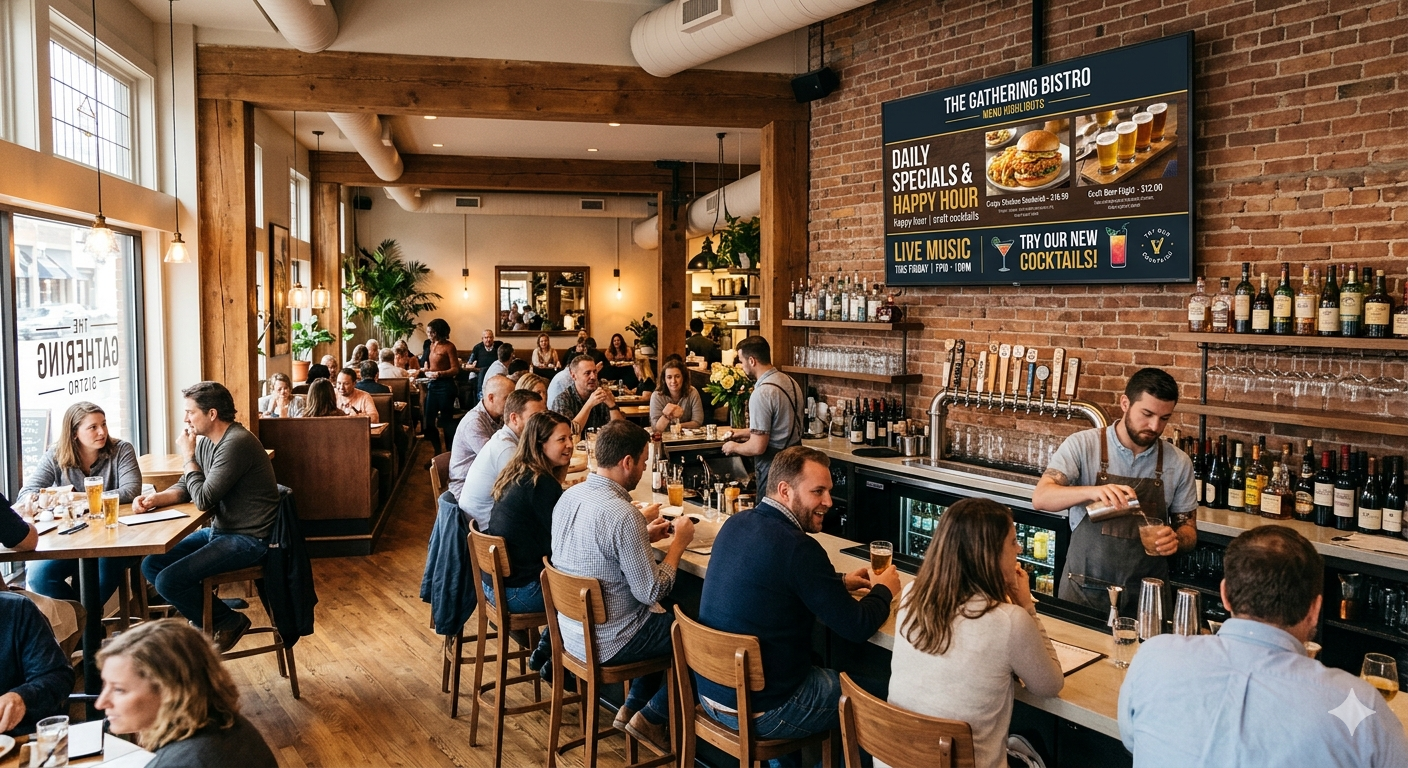
Printed menus are expensive and slow to change. Digital menu boards fix both — here is how to get started.
What you need
- Any TV with a browser
- An Android media stick (about $30) or
- A smart TV with Google TV
- A free LumiSigns account
Step 1: Create your slides
Build a slide for each section of your menu. Add your items, prices, and a photo or two.
Step 2: Install Fully Kiosk Browser
Install Fully Kiosk Browser from the Google play store and configure the Start URL given by Lumisigns
Step 3: Pair your TV
Open the player on your TV and enter the 6-letter code in your dashboard. That is the entire installation.
Changing a price now takes two clicks instead of a trip to the print shop.
Step 4: Schedule it
Show breakfast in the morning and dinner at night — automatically.